18+ only. These games involve financial risk and may be habit-forming. Play responsibly.

MASTER RUMMY FOR ANDROID

Master Rummy
APK Download

Get the Android APK, check your device and follow the installation steps below.

AVAILABLE FOR DOWNLOAD

The Android APK is ready to download.

Android APK · View default file details

Master Rummy Android game lobby and card artworkMASTER RUMMY ANDROID APP

APK DETAILS

App information

These details describe the default APK. A shared link may select a different file, with a different size, version or checksum.

Platform
Android
APK file
TeenPattiMaster-268-0813.apk
Version
1.0
APK size
58.4 MB
Minimum Android version
Android 5.0 or later
SHA-256 checksum
d7126a92a091f852258411d4ad4108ec2ee5bf0f197c98c64b0d098184bd531f

Check before downloading

Check the address before downloading. For the default APK, compare its SHA-256 checksum with the file details above. For a file selected through a shared link, verify its details with that link’s source instead.

We are not collecting registrations, payments or KYC documents through this website.

Download help

A LOOK AT THE GAMES

Explore the game formats

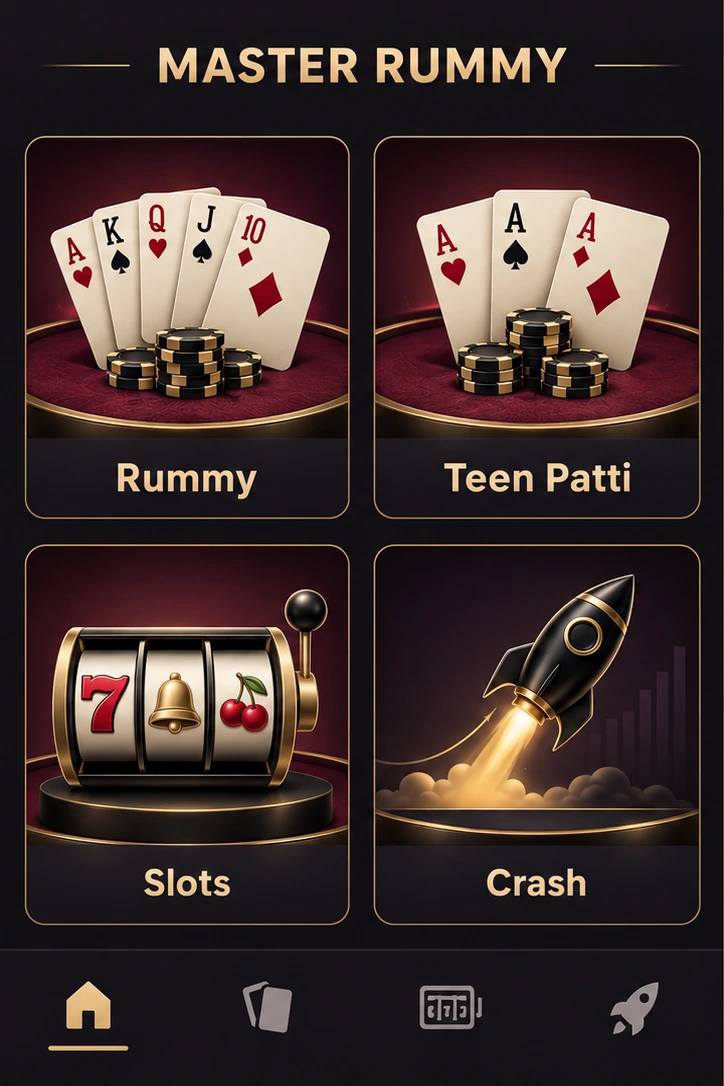
Discover Rummy, Teen Patti, Slots and Crash, then open a guide for the rules.

Game lobby original Master Rummy game illustration
01Game lobby
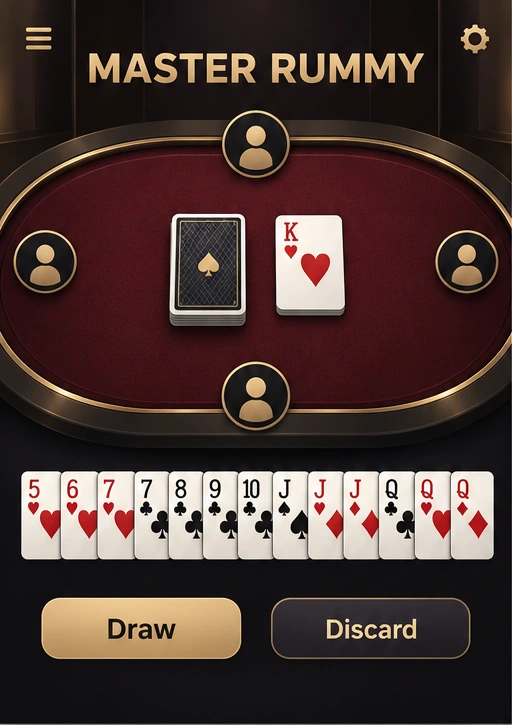
Rummy table original Master Rummy game illustration
02Rummy table
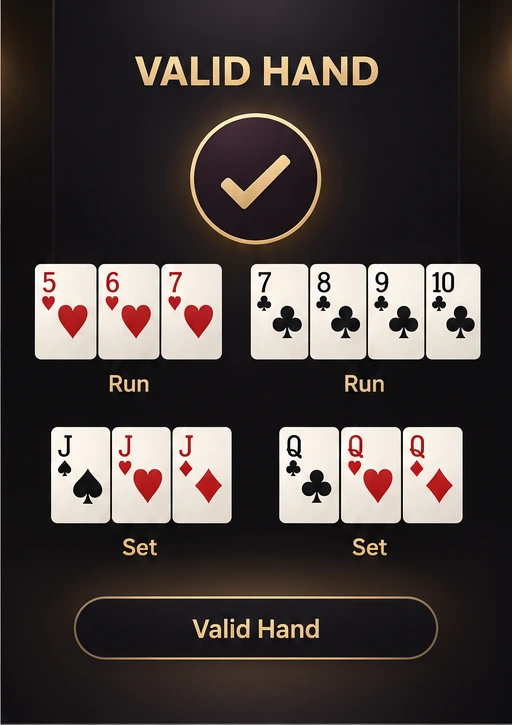
Round result original Master Rummy game illustration
03Round result
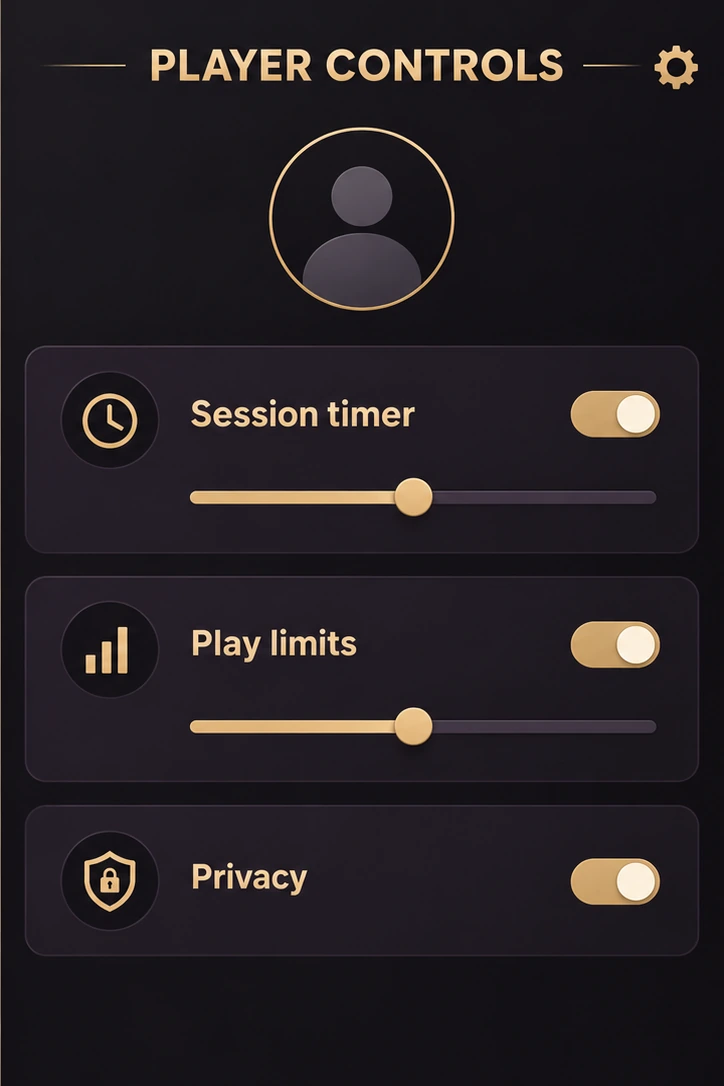
Player controls original Master Rummy game illustration
04Player controls

Original Master Rummy game artwork. Check the installed app for its current layouts, rules and game availability.

BEFORE YOU START

Before you install

Use the Download page

Download the APK linked on this page. Avoid files shared by unverified accounts or unofficial download sites.

Check your device

Check the Android requirement, free storage and the permissions shown before installing.

Keep your account private

Never share verification codes, passwords or payment PINs. Support should not ask you to disclose them.

THE ANDROID INSTALL GUIDE

How to install the linked APK

Follow these steps to install the Android APK. Menu names may differ by Android device.

  1. ANDROID SETUP
    1. 1Browser permission
    2. 2Official APK
    3. 3Allow this source
    01

    Allow installs from your browser

    Download the APK. If Android requests installation permission for your browser, review the request before continuing. Keep device protections enabled.

  2. ANDROID SETUP
    1. 1Downloaded file
    2. 2Review permissions
    3. 3Install the app
    02

    Install

    Open the downloaded file, review the app permissions and tap Install. Check the published checksum if you verify downloads.

  3. ANDROID SETUP
    1. 1Open the app
    2. 2Follow sign-in
    3. 3Choose your game
    03

    Open and log in

    Open the app and follow its sign-in and eligibility steps. You can remove the browser’s install permission afterwards.

DEVICE CHECKLIST

Before opening the app

FILE DETAILS

Ready for Android

Check that the download is complete, your phone has enough free storage and Android is version 5.0 or later. Review the app’s permissions, sign-in steps and location requirements before playing.

DOWNLOAD HELP

Install problems

Where can I download the APK?
Use the Download APK button above. The default file’s size and SHA-256 checksum are listed in App information. A shared link may select a different file, so its details can differ.
Android says the app cannot be installed.
Check available storage and whether the file downloaded completely. If Android reports a compatibility or security problem, keep device protections enabled and review the warning.
Should I disable Play Protect?
Keep Play Protect and device protections enabled. Read any security warning carefully before deciding whether to continue.
Where do I find my downloaded file?
Open Chrome’s Downloads or look in the Files app under Downloads. Wait for the download to finish before opening the APK; menu names vary by device.
How do I verify the checksum?
Use a trusted file manager or utility that can calculate SHA-256. Compare every character with the matching checksum for your file. The value above applies to the default APK; a shared-link file may differ. If the values do not match, do not open the file and verify its source.
What if the download is incomplete?
Check your connection and free storage, then retry. Android may also reject an incompatible file or a package with a conflicting signing certificate. Investigate the message before making changes and keep device protections enabled.
Can I install this on iPhone?
This APK is for Android and cannot be installed as an iPhone app.

GET THE ANDROID APP

Know the games.
Then make your move.

Rummy, Teen Patti, Slots & Crash. Get the APK and explore the games.

Android APK · Direct download